1B Cerula1B Note for GNOME
In development · 0.1Coming to Linux · GNOME
Your notes, at home in GNOME.
1B Cerula is 1B Note rebuilt as a native GNOME app, with GTK 4 and libadwaita. It looks and behaves like the rest of your desktop — adaptive layout, light and dark styles, search from GNOME Shell — and it's written in Rust on the same end-to-end encrypted core.
- GTK 4 + libadwaita
- Written in Rust
- GNOME Shell search
- Adaptive layout
- End-to-end encrypted
In developmentNot available to download yet
As an RPM package first, then as a Flatpak. We'll announce it here when it's ready.
A GNOME app, not a web page in a window
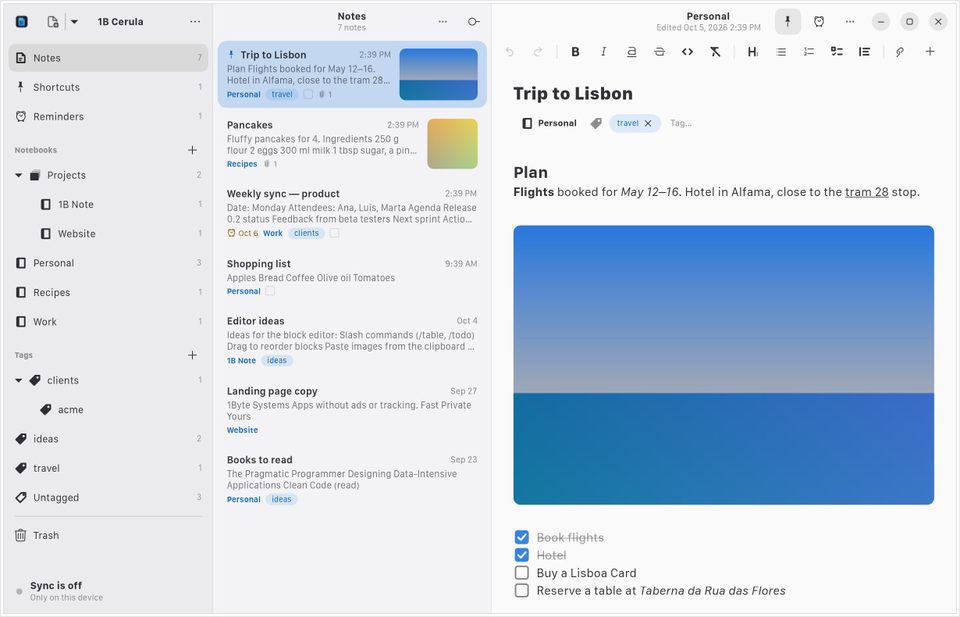
Native widgets, native shortcuts and native printing. These are real screenshots of our current build, with sample data.
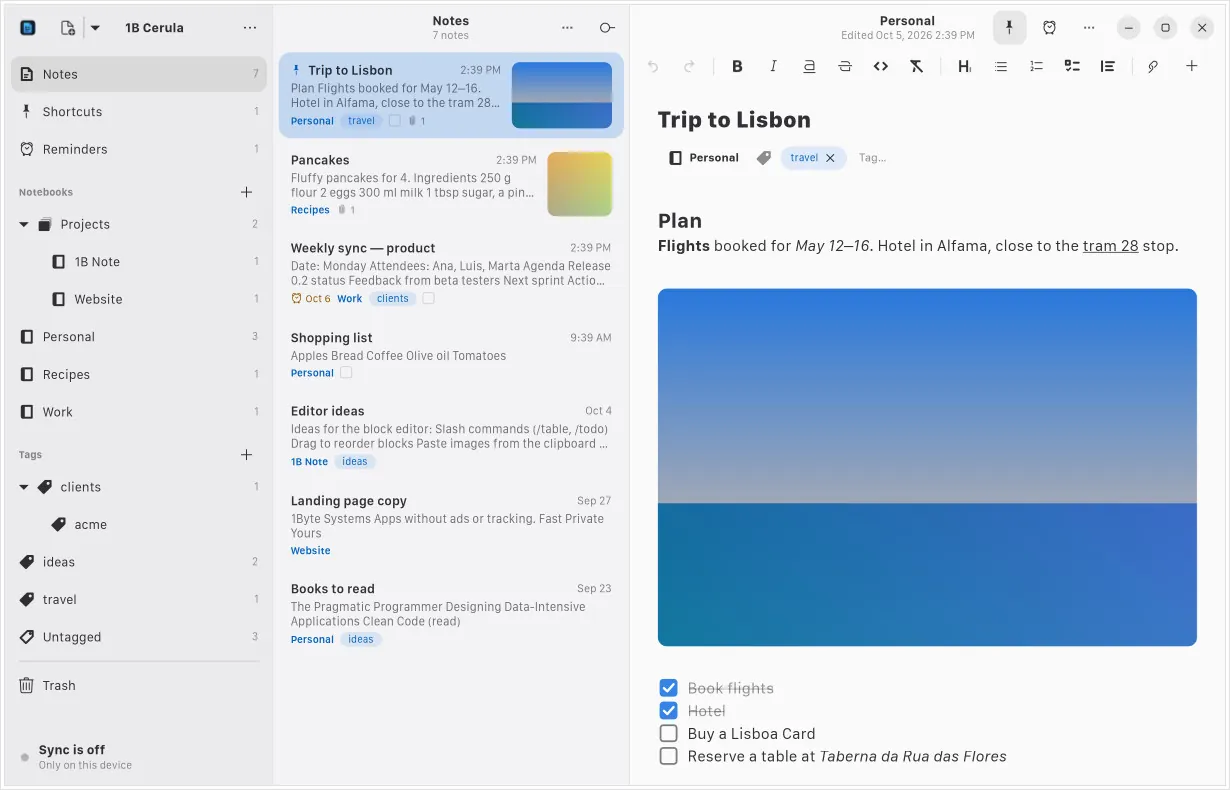
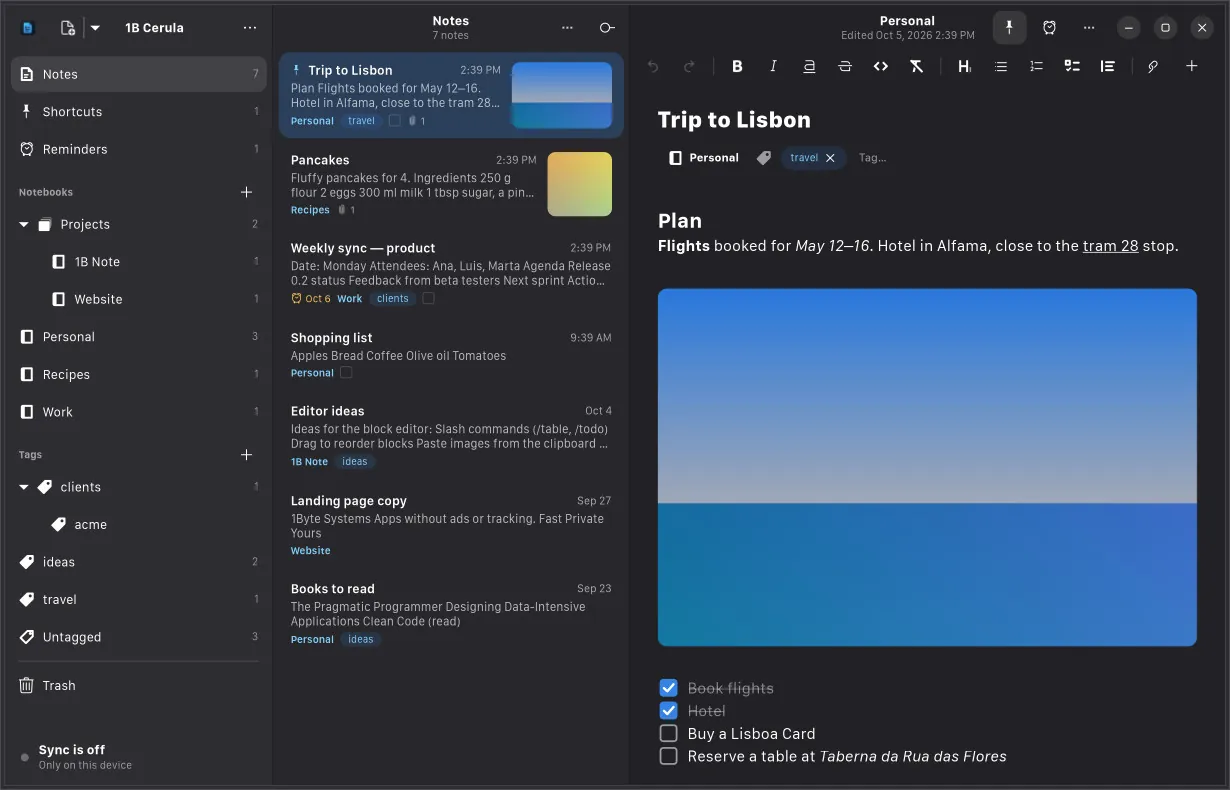
Notebooks, notes and the editor side by side
Notebooks, tags, shortcuts and reminders on the left, your notes in the middle and the editor on the right. Narrow the window and it goes to two panes, then one.
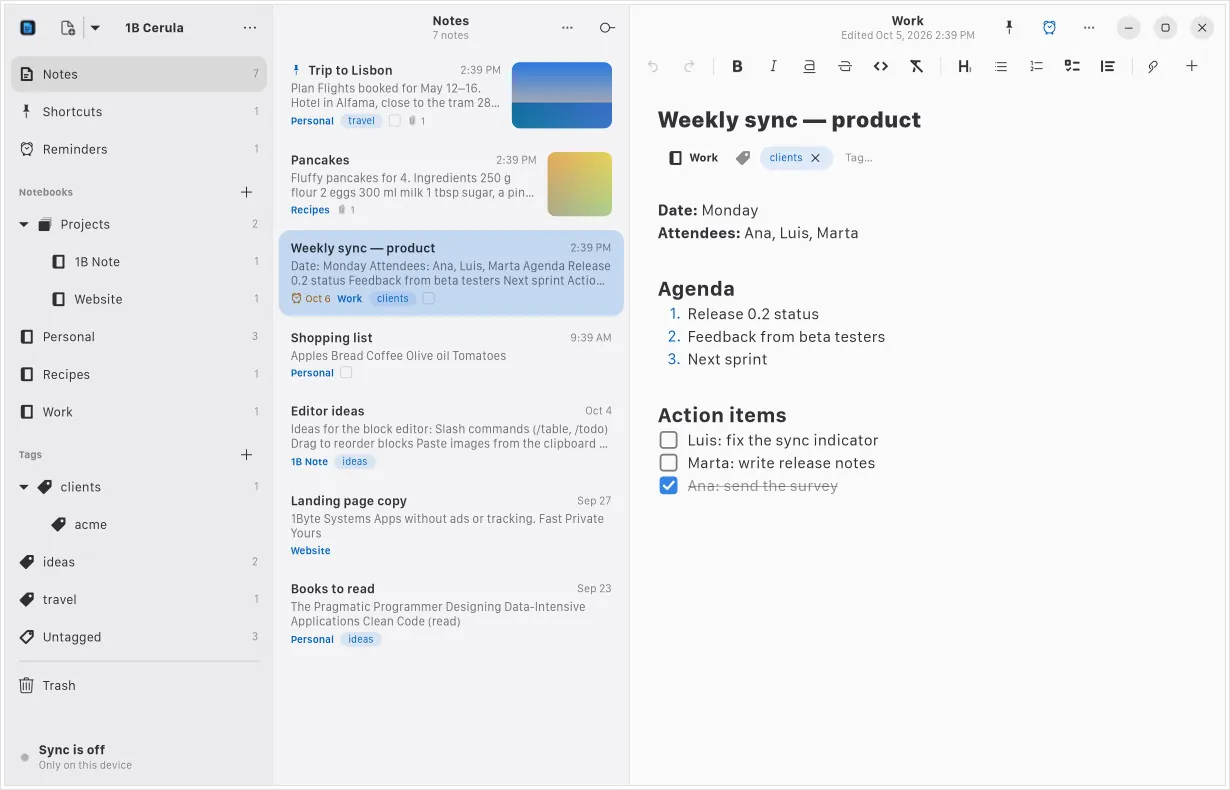
Checklists you tick with a click
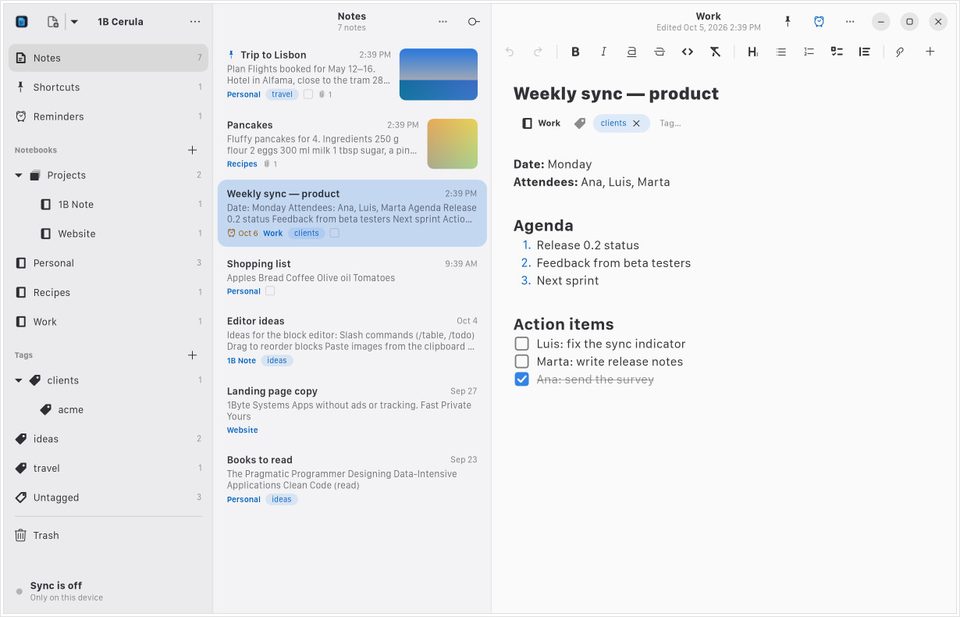
Headings, bulleted and numbered lists, checklists, quotes and tables, with Markdown shortcuts as you type and a formatting bar that wraps on narrow screens.
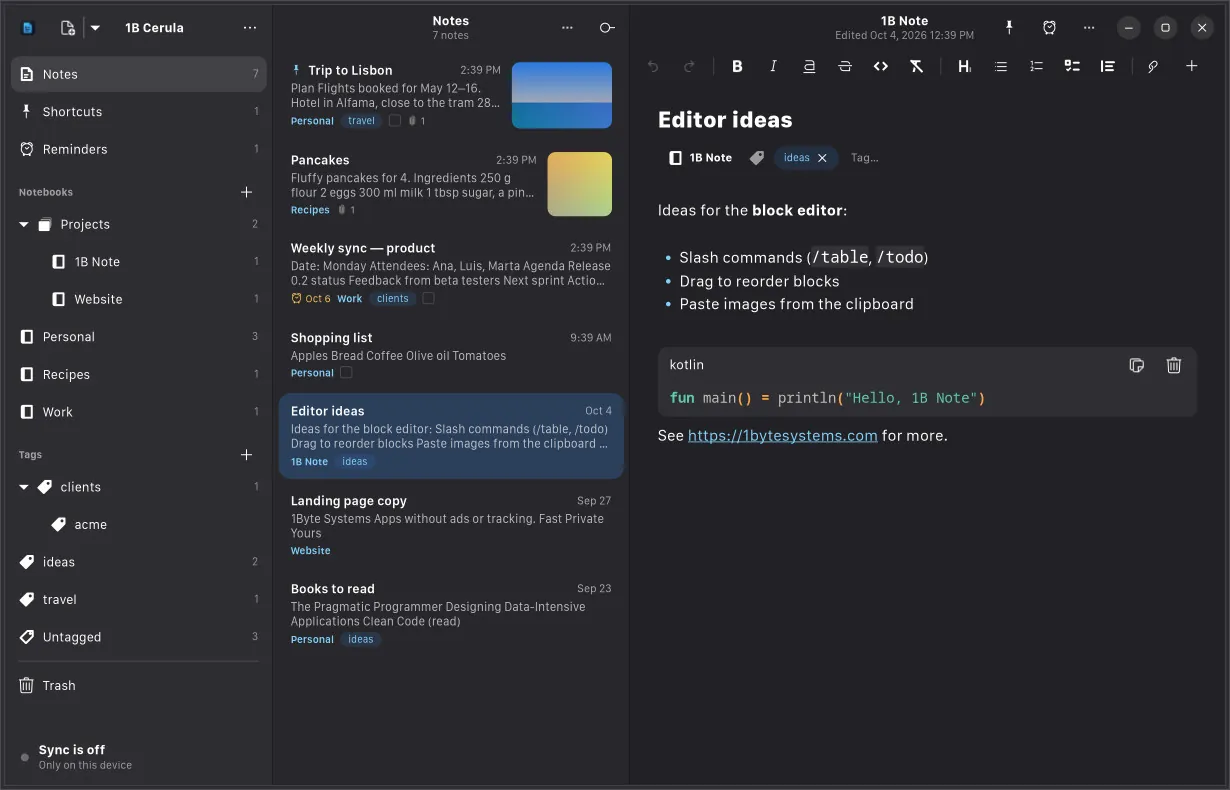
Code blocks with syntax highlighting
Code blocks use GtkSourceView, with highlighting for the language you choose and a copy button. In dark style, of course.
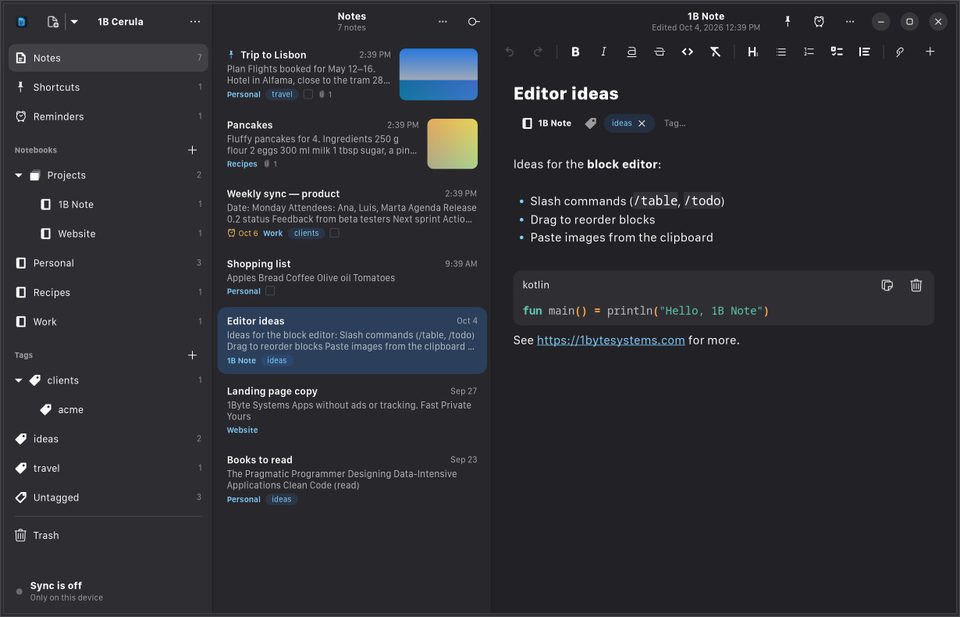
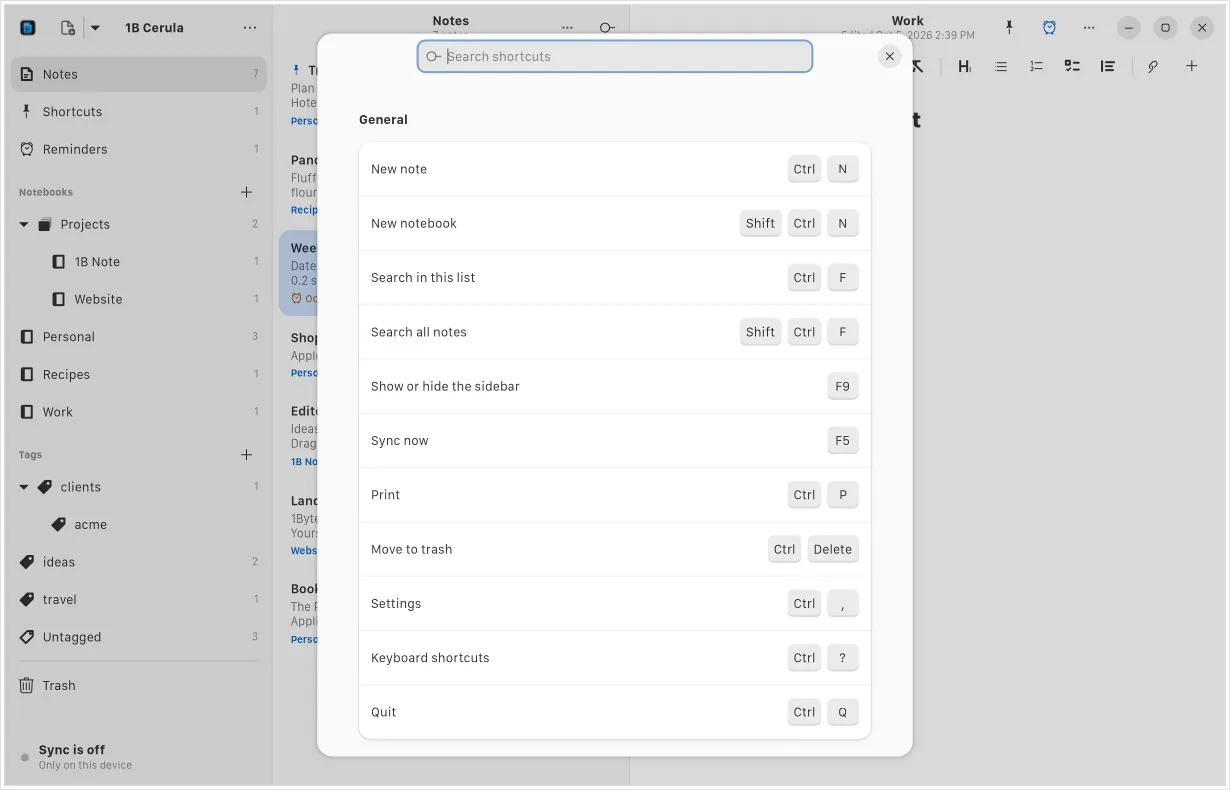
Every shortcut, one keystroke away
Press Ctrl+? to see them all, with a search box. New note, search every note, sync now, print, preferences: all from the keyboard.
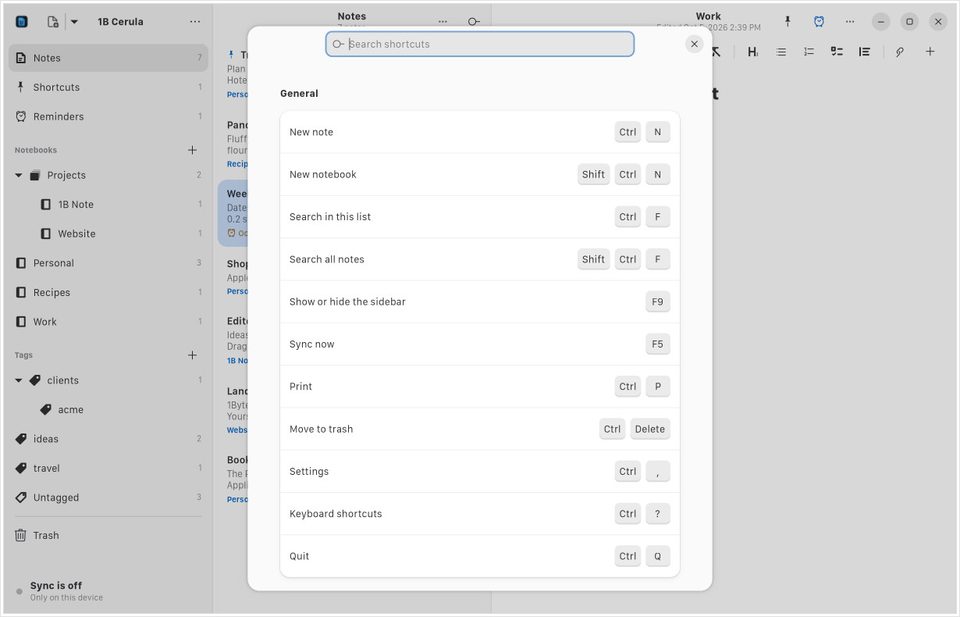
Edits from your other devices, live
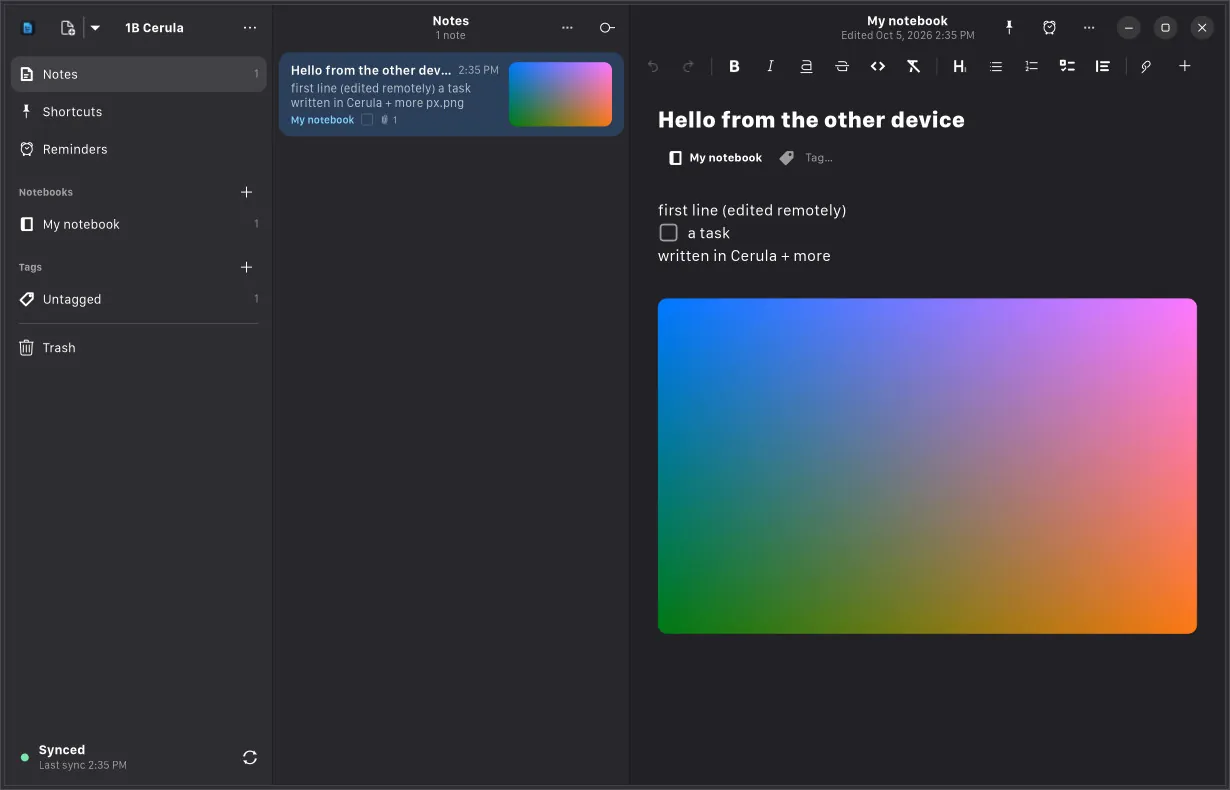
Pair a device with a QR code and changes arrive while you work — even in the note you have open, merged into what you're typing.
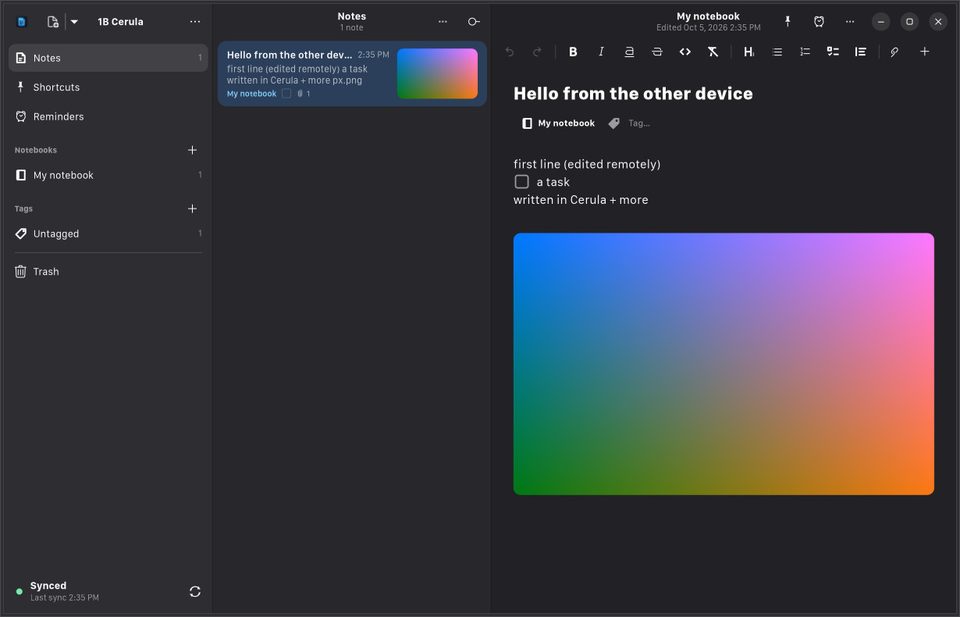
- 5.4 MBRPM package
- ~1 sfor a note from another device to show up
- 21languages
Package size of the 0.1 RPM for Fedora. Sync time measured in our live test against a local server: a note created on another device appears in the list.
Built the GNOME way
The details that make an app feel like part of the desktop.
libadwaita everywhere
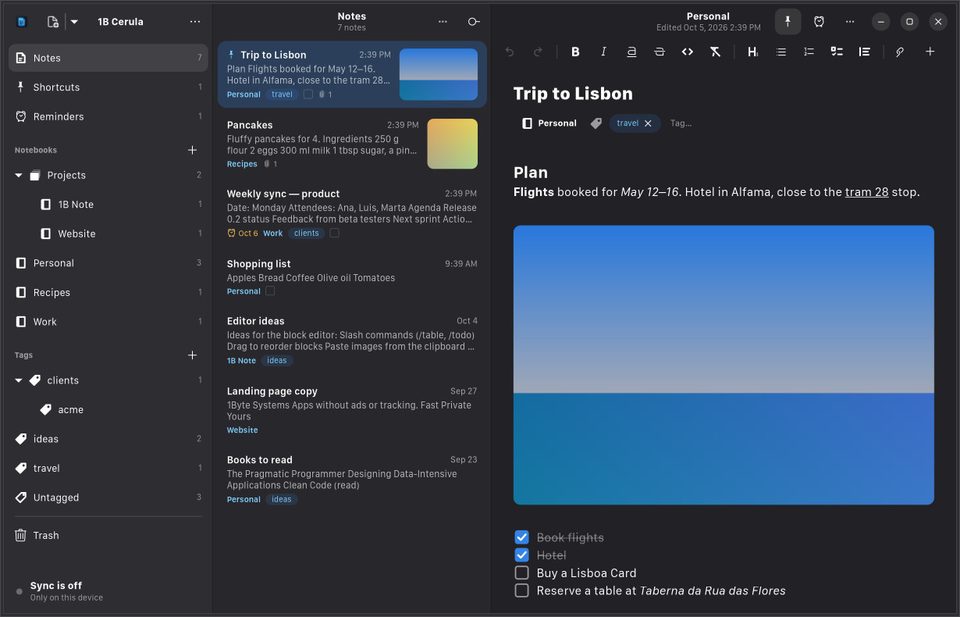
Header bars, sidebars, preferences and dialogs are libadwaita widgets, so Cerula follows your system's light or dark style.
Search from the Shell
Type in the GNOME Shell overview and your notes show up next to your apps and files.
Notifications that act
Reminders arrive as GNOME notifications with Done and In 1 hour buttons.
Prints like a document
Print a note, or save it as a PDF with selectable text, without leaving the app.
The same encrypted core as 1B Note
Under the GNOME interface is onebnote-core, a Rust port of 1B Note's engine, checked byte for byte against the original.
- End-to-end encryption, compatible byte for byte with 1B Note 0.1
- Credentials kept in your GNOME keyring (Secret Service)
- A recovery phrase and an emergency kit you can print
- Keeps running in the background so reminders still arrive (you can turn it off)
- Imports Evernote (.enex) and Markdown folders; exports Markdown
- No ads, no analytics, no telemetry
Built with
- GTK 4
- libadwaita
- GtkSourceView
- Pango
- Rust
Imports from
- Evernote (.enex)
- Markdown
- Obsidian
- Joplin
- Bear
The details you'd miss
Adaptive layout
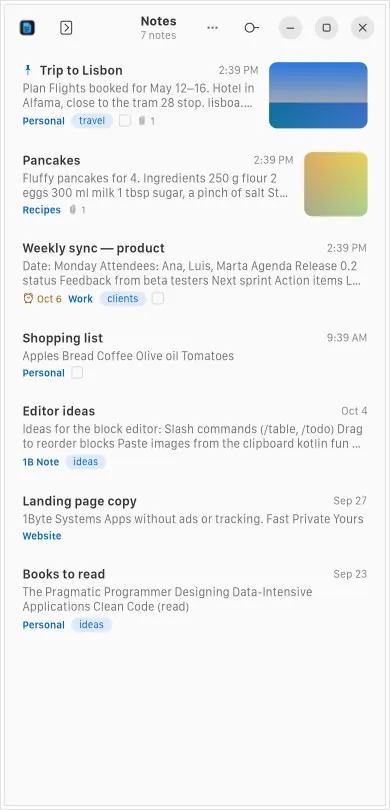
Three panes on a wide screen, one at a time on a narrow one.
Notebooks and tags
Nested notebooks, nested tags and shortcuts to the notes you use most.
Reminders
Due reminders come up even with the window closed, as long as Cerula keeps running in the background.
Images and files
Paste images from the clipboard or drop files onto a note.
Tables
Tables with Markdown formatting inside the cells.
Undo that understands notes
Its own undo history, so undo and redo work across every block of a note.
Light and dark
Follows the system style, or pick one in Preferences.
21 languages
The whole app in 21 languages, with the same terms as 1B Note.
Real screenshots
Notebooks, notes and the editor side by side
The same window in dark style
Checklists and numbered lists
A code block with syntax highlighting
The keyboard shortcuts window
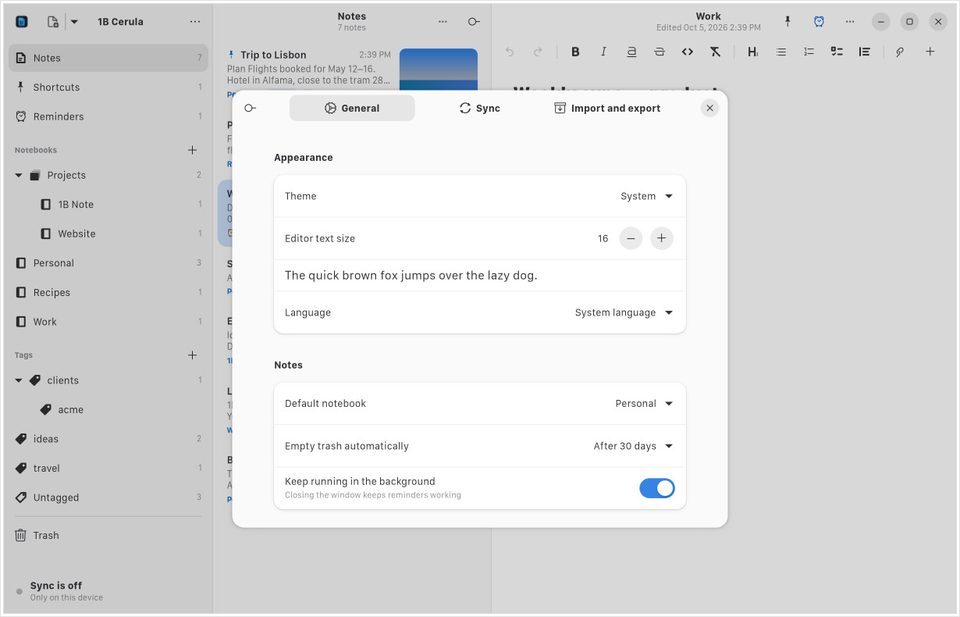
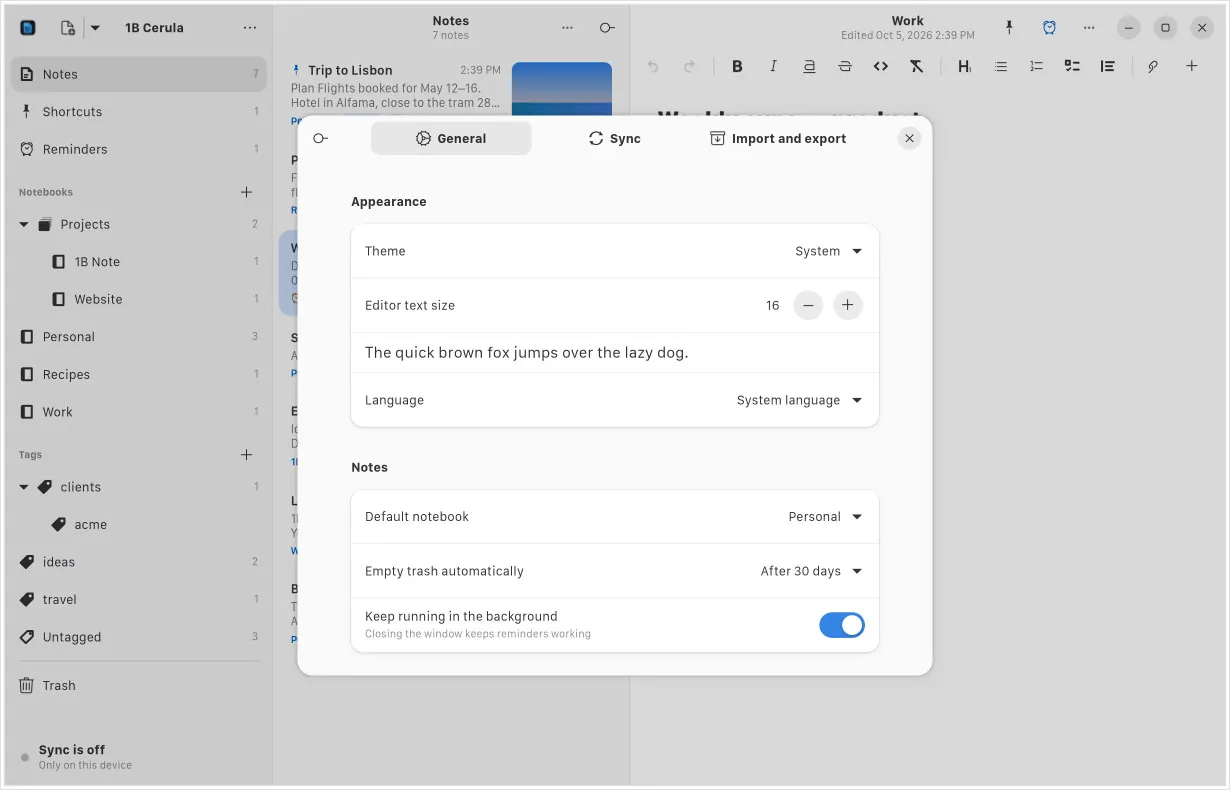
Preferences: appearance and notes
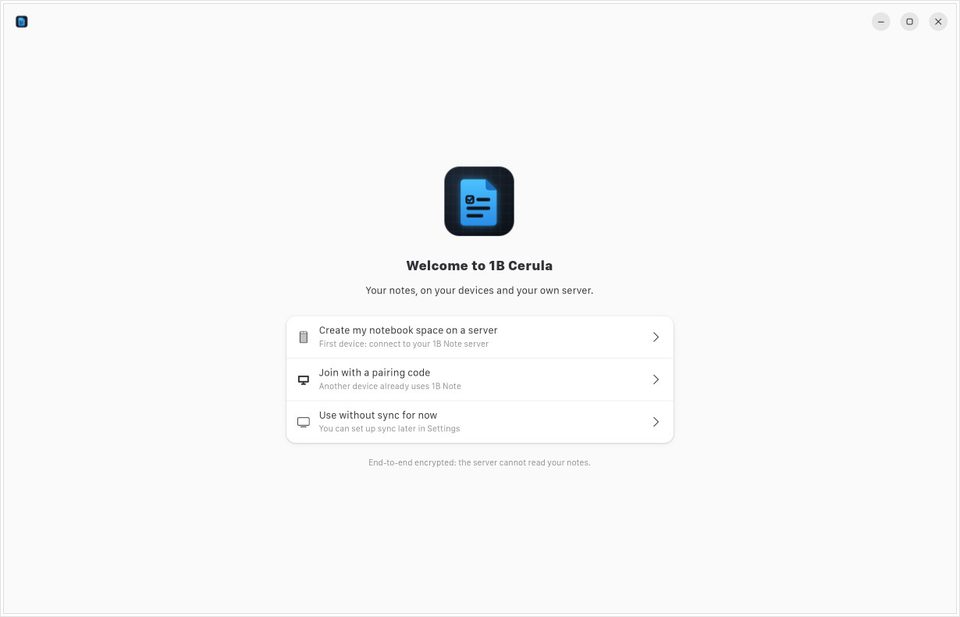
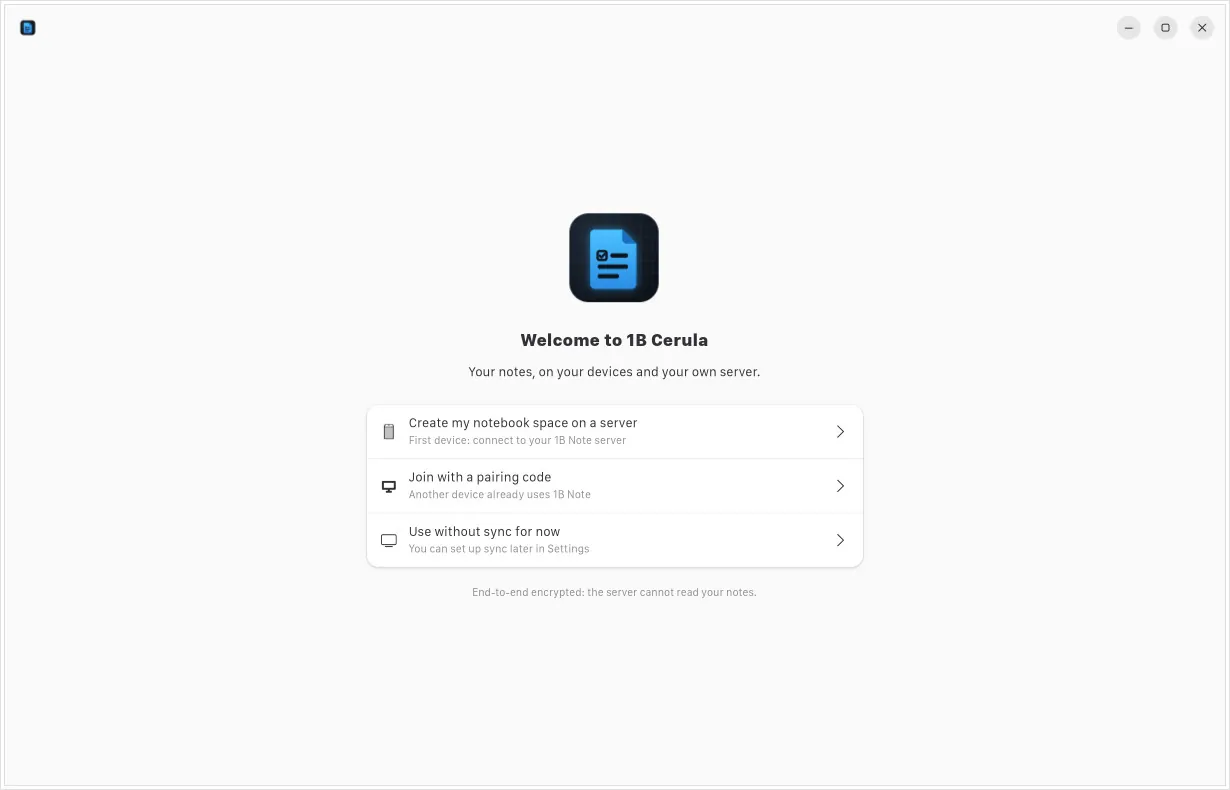
First run: create a space, join with a code, or skip sync
A note edited from another device, live
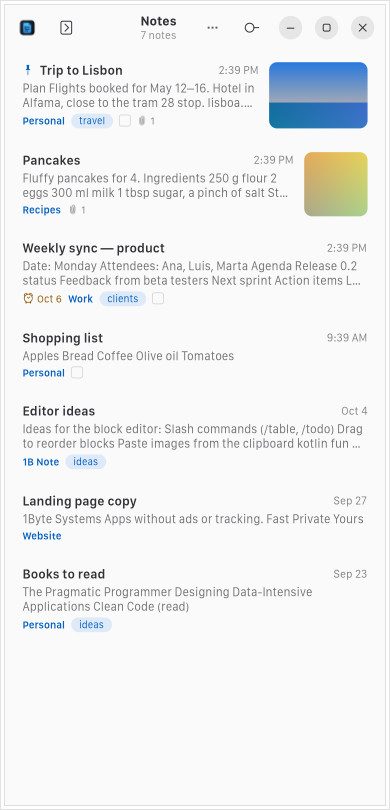
In a narrow window, one pane at a time
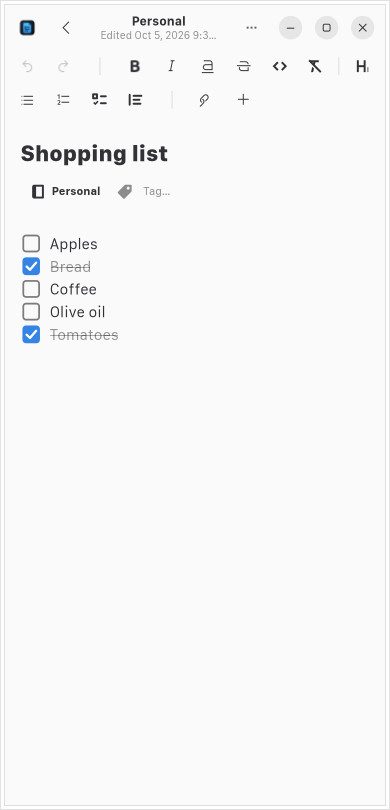
A checklist in the narrow layout
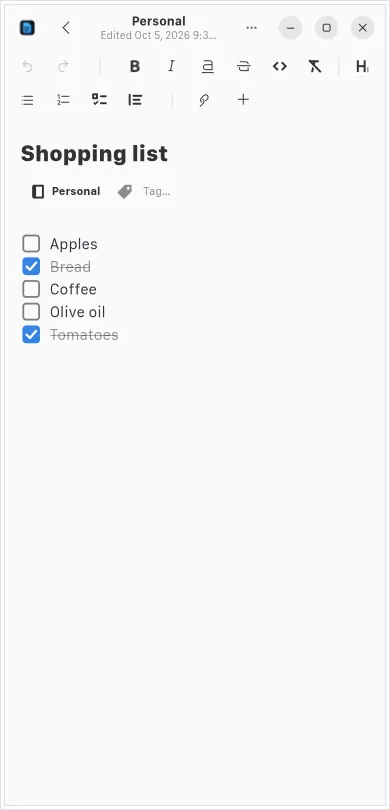
Real screenshots of our current builds, filled with sample data.
Coming to Linux, for GNOME
1B Cerula 0.1 runs in our own builds. It still has to catch up with today's 1B Note before it's released; when it's ready, it'll be right here.
- LinuxRPM
Privacy at a glance
- Notes encrypted end to end before they sync
- Credentials kept in your GNOME keyring
- No ads, no analytics, no telemetry
- Works on one computer with no account at all
Details
- Status
- In development · 0.1
- Platforms
- Linux (x86-64) · GNOME
- Will be available from
- RPM · Flatpak
- Languages
- 21 languages
- App ID
com.onebytesystems.Cerula
Good to know
- In development: version 0.1 is built on the first generation of 1B Note — notebooks, tags and notes.
- It doesn't sync with today's 1B Note yet: pages, databases, teams and the current sync format still have to come to Cerula before release.
- Linux only, for GNOME; tested on Fedora. The Flatpak isn't built yet.
- Reminders only arrive while Cerula is running; if you quit it, due reminders show up the next time you open it.
- No Windows or macOS version: on Windows, there's 1B Note.


