1B DocsOffice suite and PDF for Android
Your whole office. Zero ads.
Documents, spreadsheets, presentations and PDF in one app. Open, edit and create Word, Excel and PowerPoint files; sign, fill in, merge and compress PDFs. No ads, no account — and no Internet permission, so your documents simply can't leave your phone.
- DOCX · XLSX · PPTX · PDF
- No Internet permission
- 325 spreadsheet functions
- 11 PDF tools
- No ads, ever
Early accessClosed testing on Google Play
The test page works once your Google account is on our tester list.
Edit one thing. Break nothing.
Office files are full of things a phone app might not understand. Most apps quietly drop them when they save. 1B Docs rewrites only what you changed and copies the rest back exactly as it was.
Before · the file you got from Excel
budget-2026.xlsm
- Your sheets and formulas
- Styles and formatting
- Charts
- Pivot tables
- Macros
- Images
- Themes and extras
After · you changed one cell and saved
budget-2026.xlsm
- Your sheets and formulasupdated
- Styles and formattingkept byte for byte
- Chartskept byte for byte
- Pivot tableskept byte for byte
- Macroskept byte for byte
- Imageskept byte for byte
- Themes and extraskept byte for byte
The same goes for documents and presentations: an untouched paragraph, table or slide is written back from the original, so a .xlsm stays a .xlsm and a .pptm keeps its macros.
- 1,366of 1,367 real Word documents opened
- 90%with exactly the same number of pages as in Word
- 325spreadsheet functions
Measured in our own tests on a collection of 1,367 real Word documents (the one that failed was a damaged file). Very complex documents can still look slightly different from Word.
One PDF, eleven tools
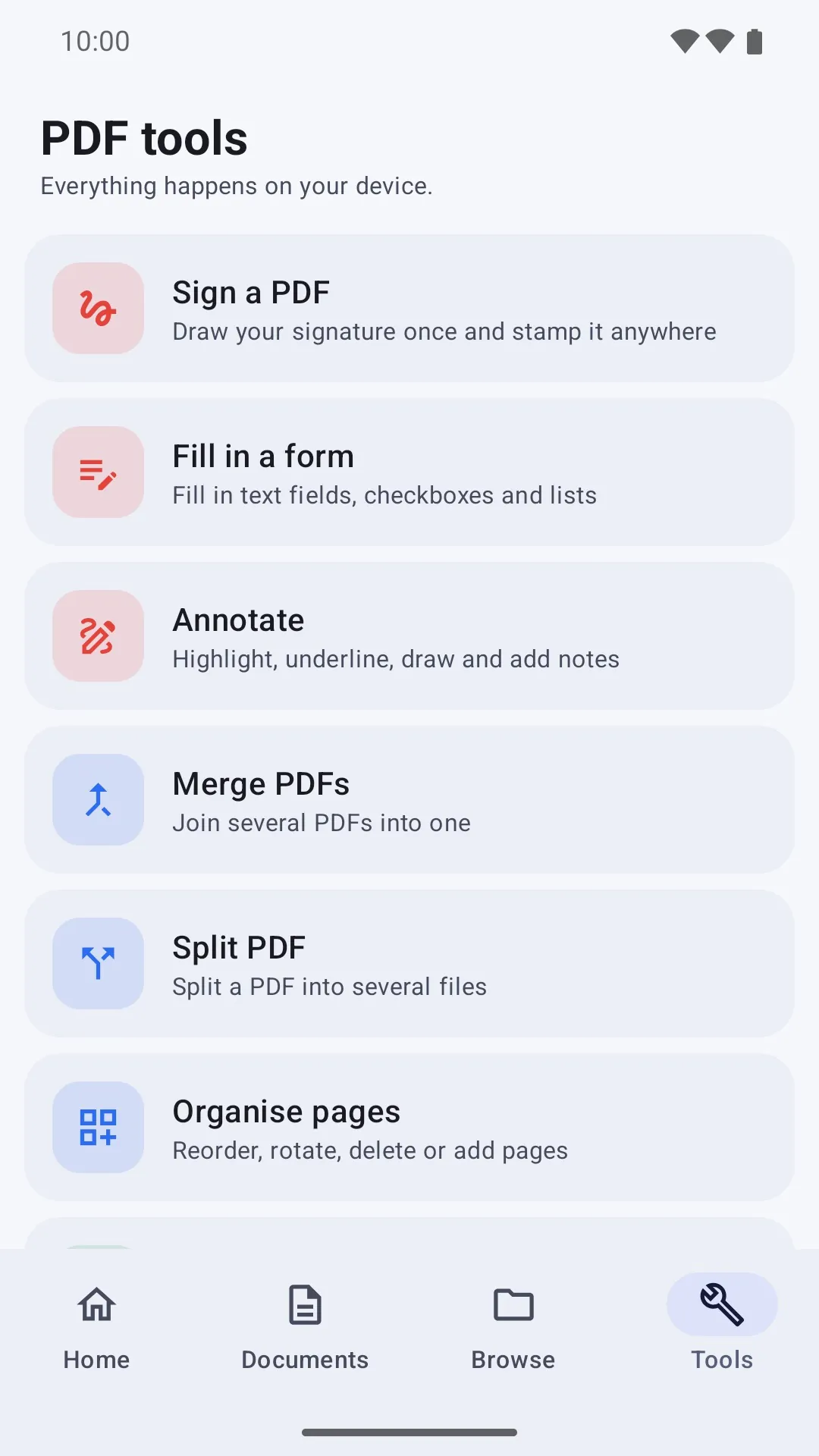
Sign a contract, fill in a form, merge scans or shrink a file to send it — right on your phone, without uploading it anywhere.
- Draw your signature once and stamp it anywhere
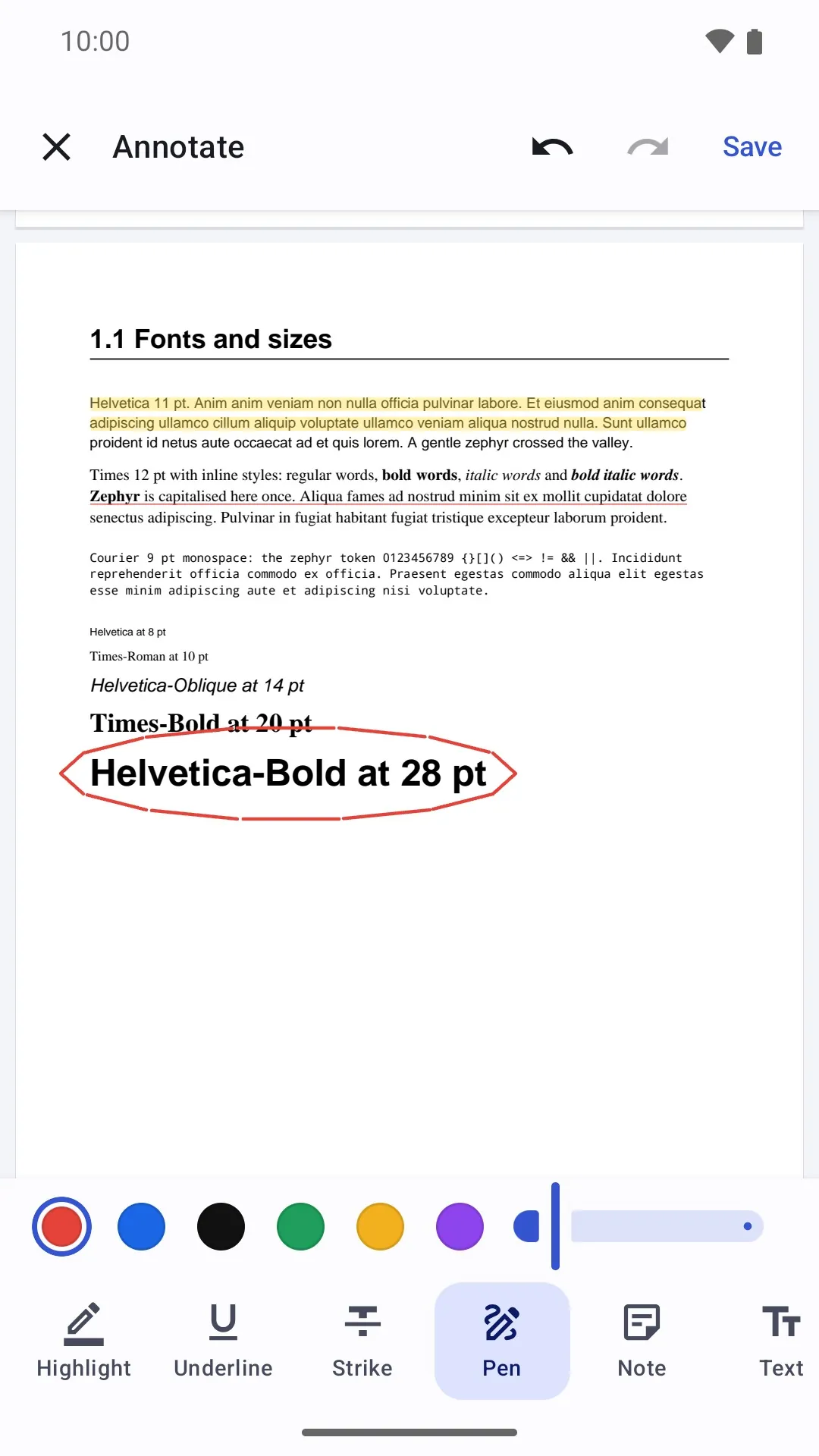
- Highlight, underline, strike, draw, add notes and text
- Reorder, rotate, delete, duplicate or extract pages, and add pages from another PDF
- Every change is made on a working copy, checked and undoable: your original stays untouched until you save
- Protect a PDF with a password (AES-128) or remove it
Opens, edits and saves
- DOCX
- XLSX
- XLSM
- PPTX
- PPTM
- TXT
- MD
- CSV
- TSV
Opens and saves as a copy
- DOC
- ODT
- RTF
- XLS
- ODS
- PPT
- ODP
Exports
- TXT
- CSV
- PNG
A real office, in your pocket
Documents with real pages
See your document laid out page by page, or switch to a phone-friendly view. Dictate with your keyboard or type with Ctrl shortcuts.
Spreadsheets that calculate
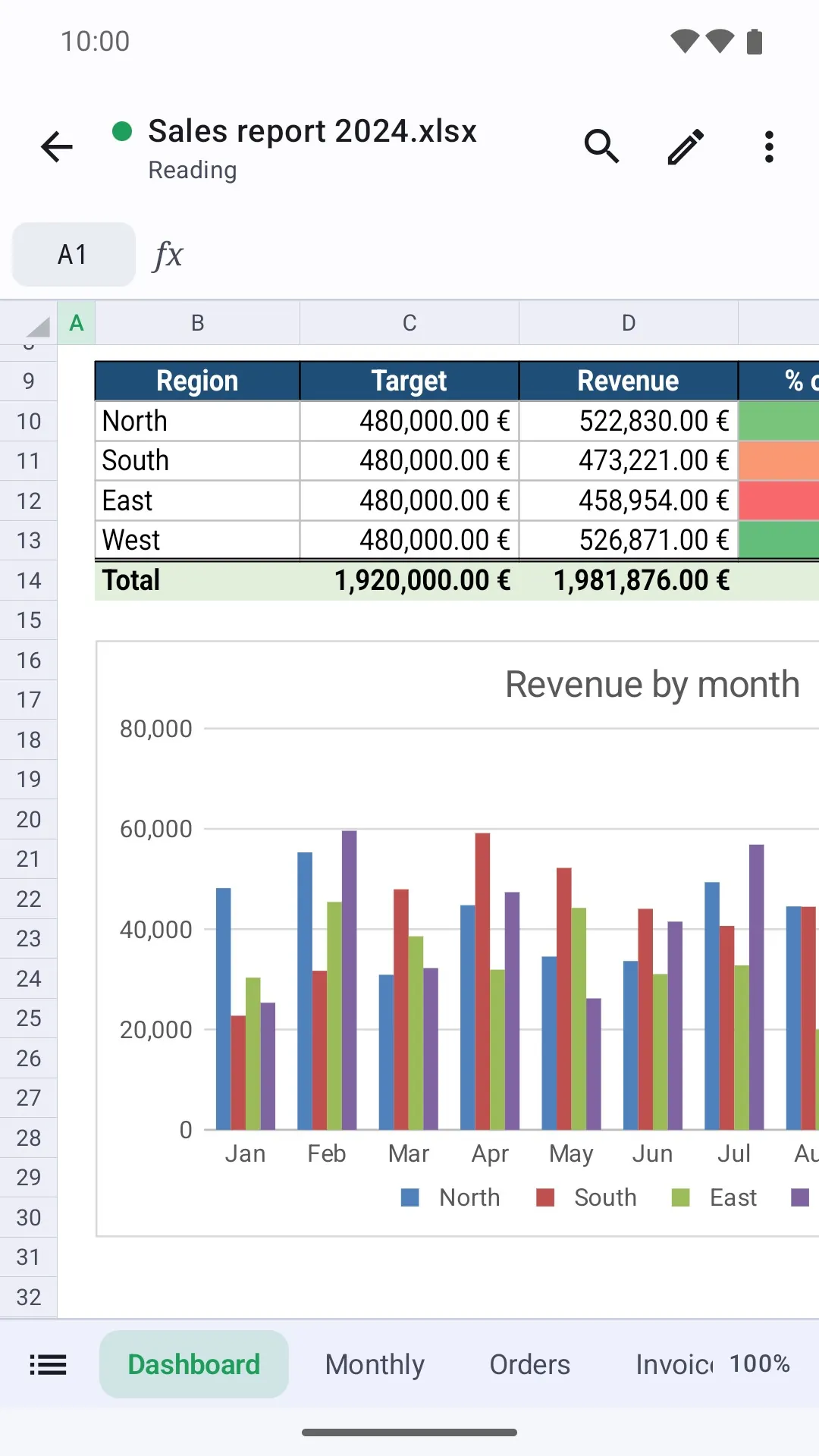
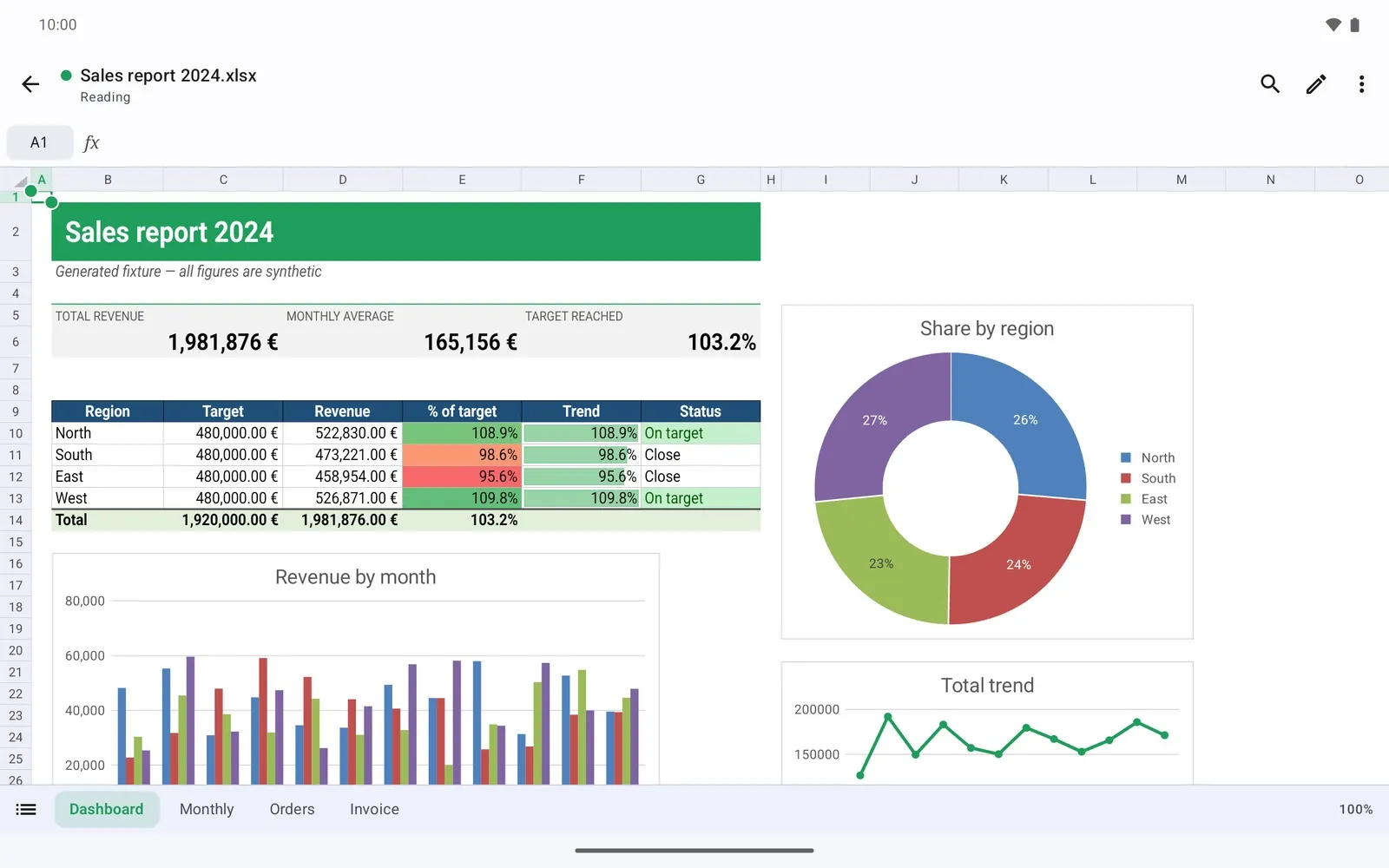
325 functions with English or Spanish names, conditional formatting, frozen panes, sorting, filters — and the charts in your files, drawn live.
Present like a pro
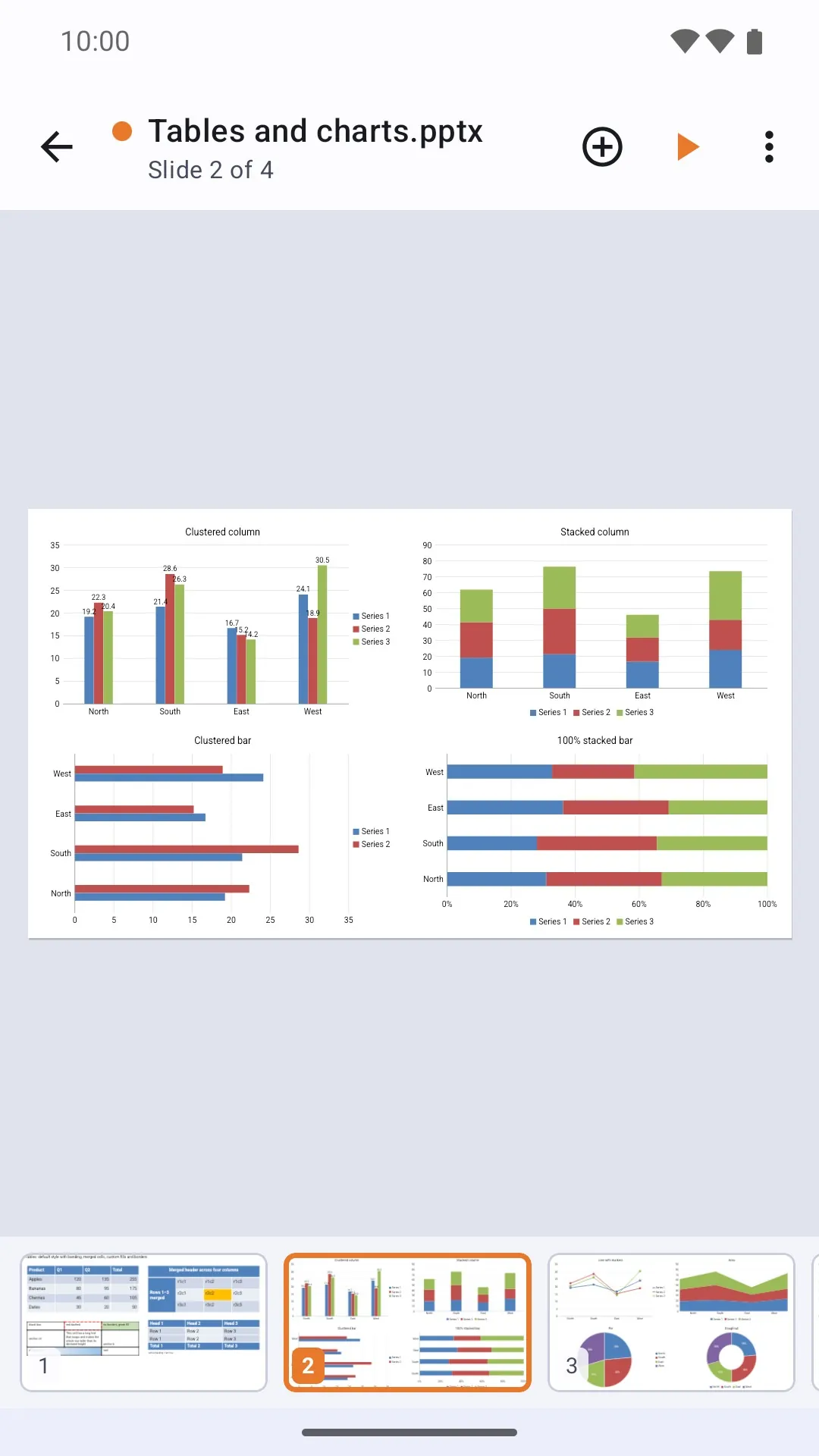
Transitions, a timer and clock, laser pointer, pen and highlighter, and speaker notes.
Markdown and code
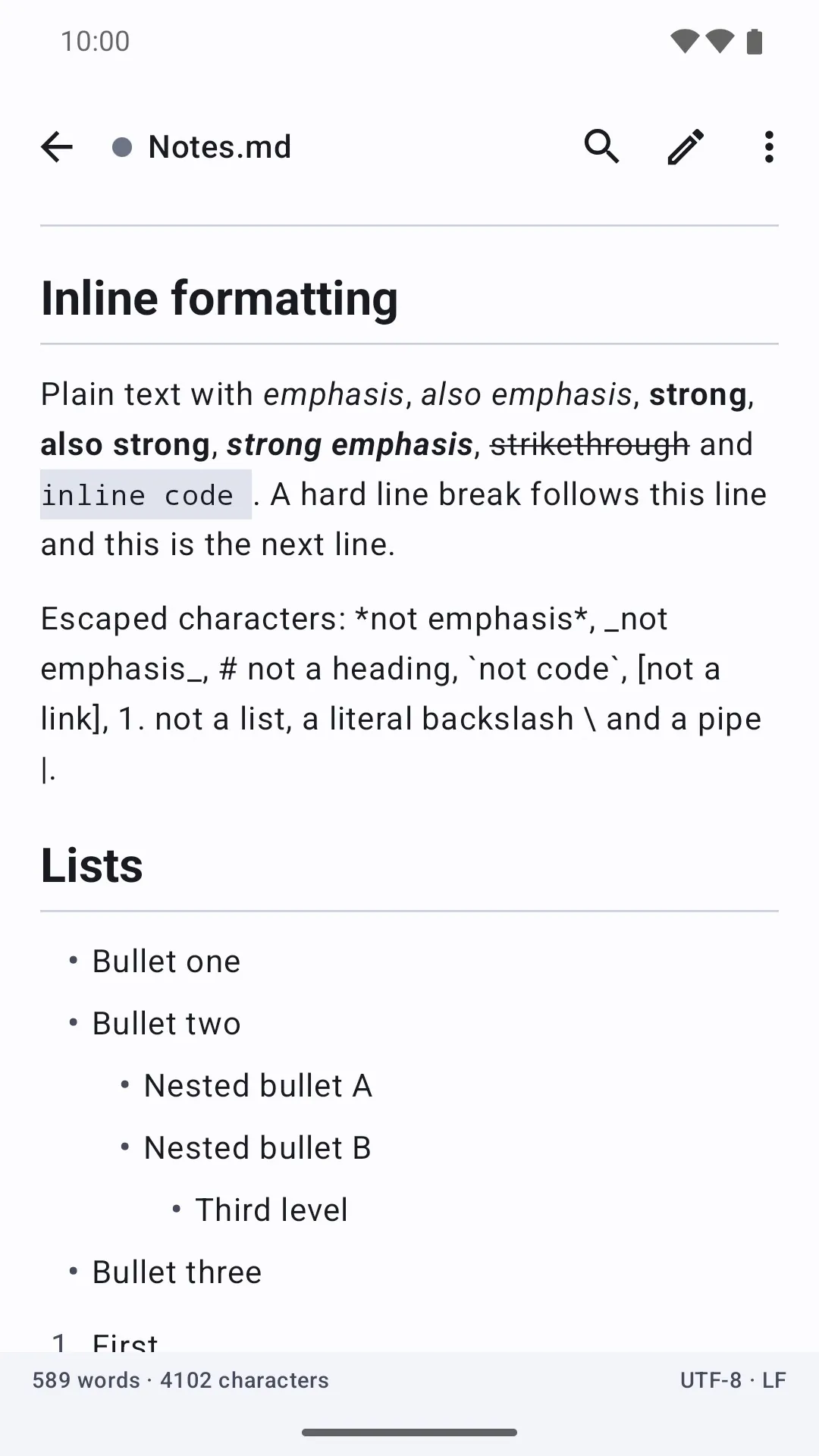
Notes with a live preview and syntax highlighting for Markdown, JSON, XML, SQL, CSS and more.
11 templates
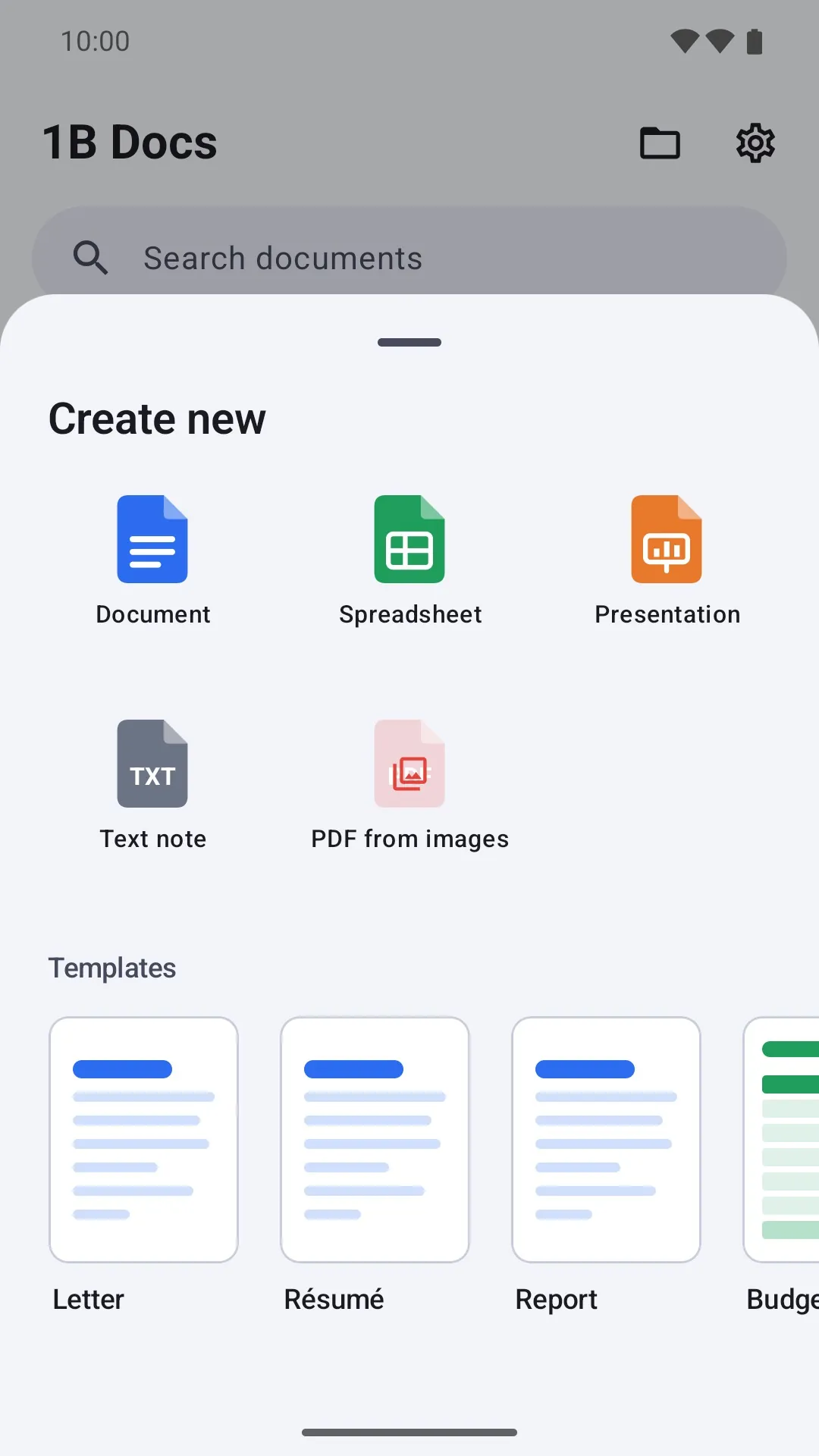
Letter, résumé, report, budget, invoice, tasks, light and dark decks, meeting notes, to-do list and journal.
PDF, print and share
Export any document to PDF, print it or send it from every editor.
Made for big screens
Two PDF pages side by side and a docked outline when you unfold your phone or use a tablet.
No Internet. No ads. No account.
The app has no permission to go online: your documents, recents and signature stay on your phone.
See it in action
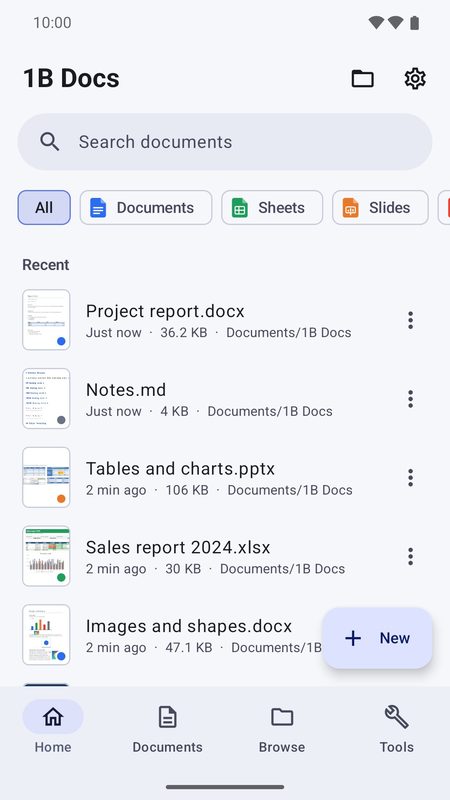
Recent documents
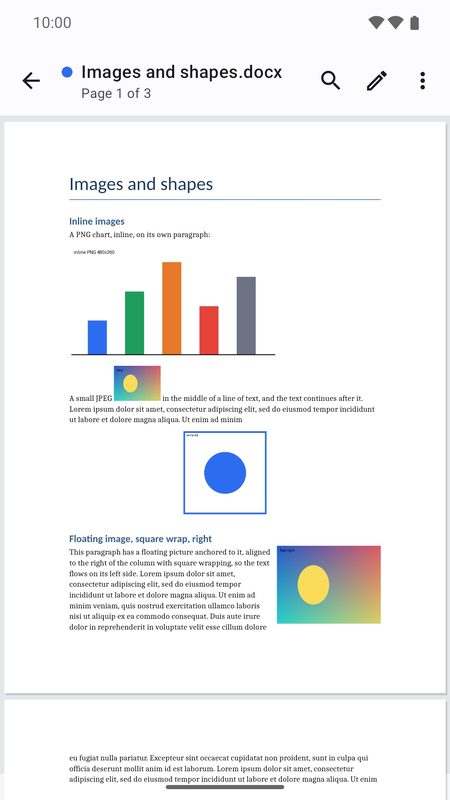
Documents with real pages
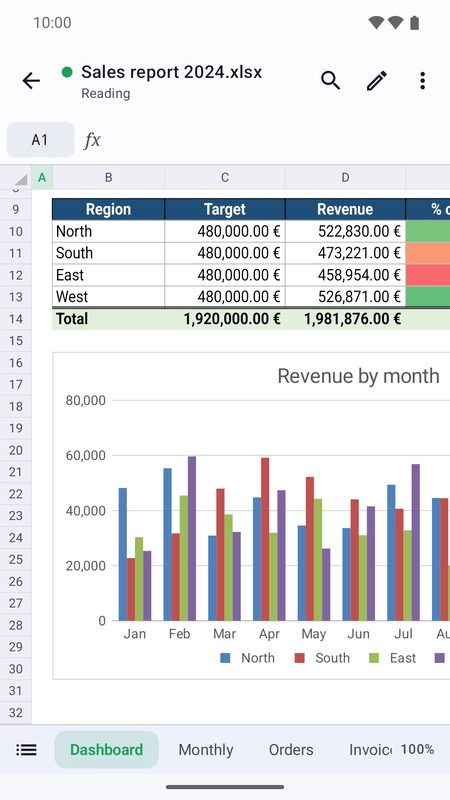
Spreadsheets with charts
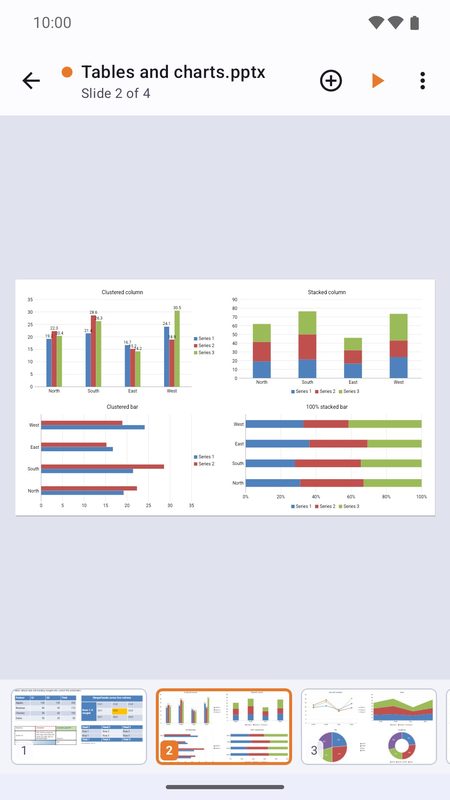
Presentations
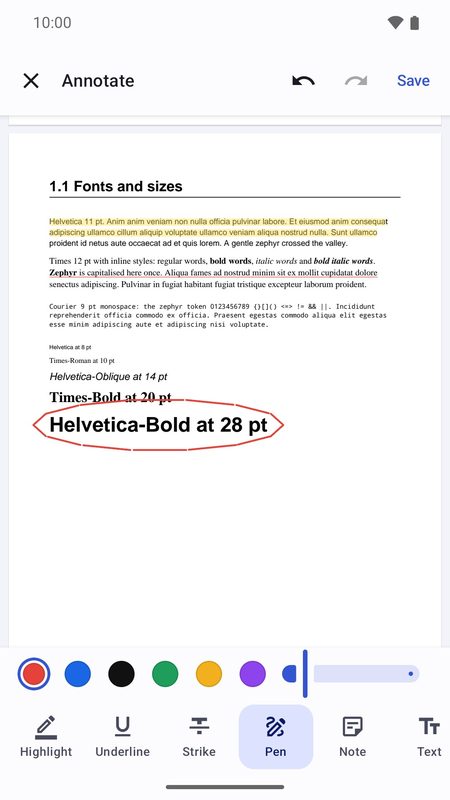
Annotate PDFs
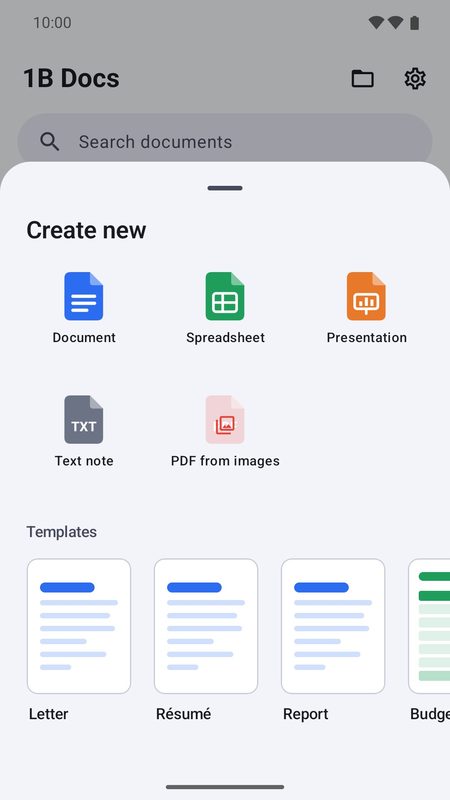
Start from a template
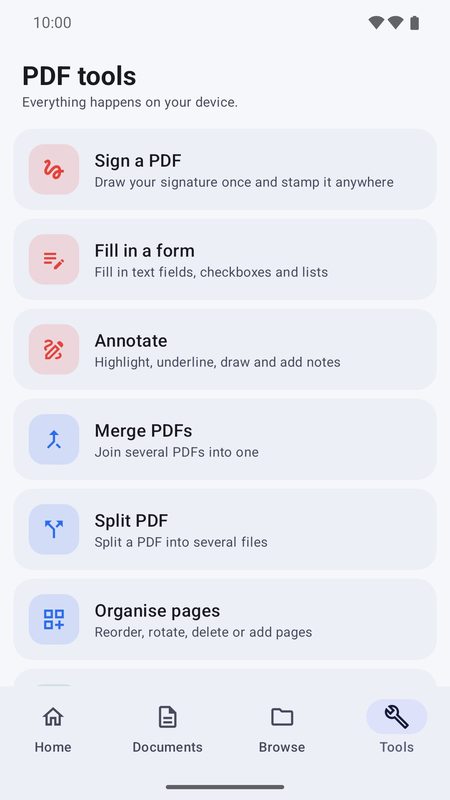
PDF page tools
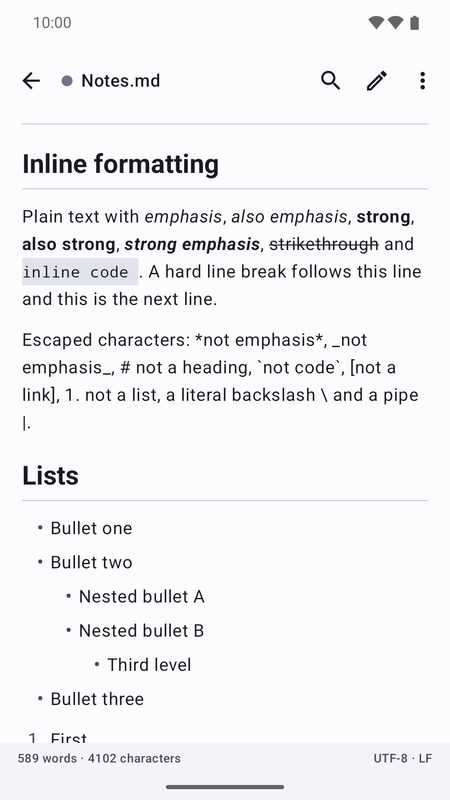
Markdown with preview
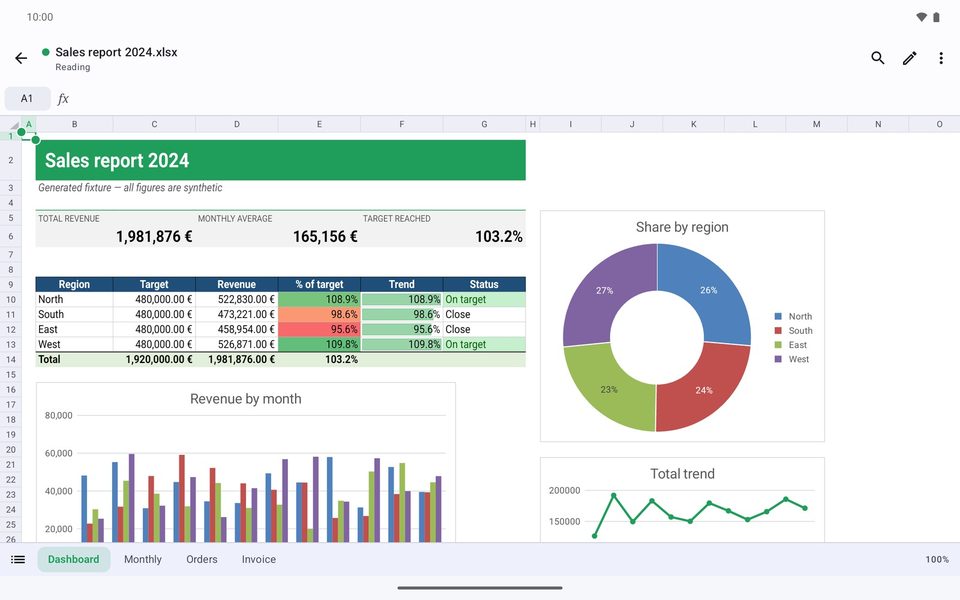
Spreadsheets on a tablet
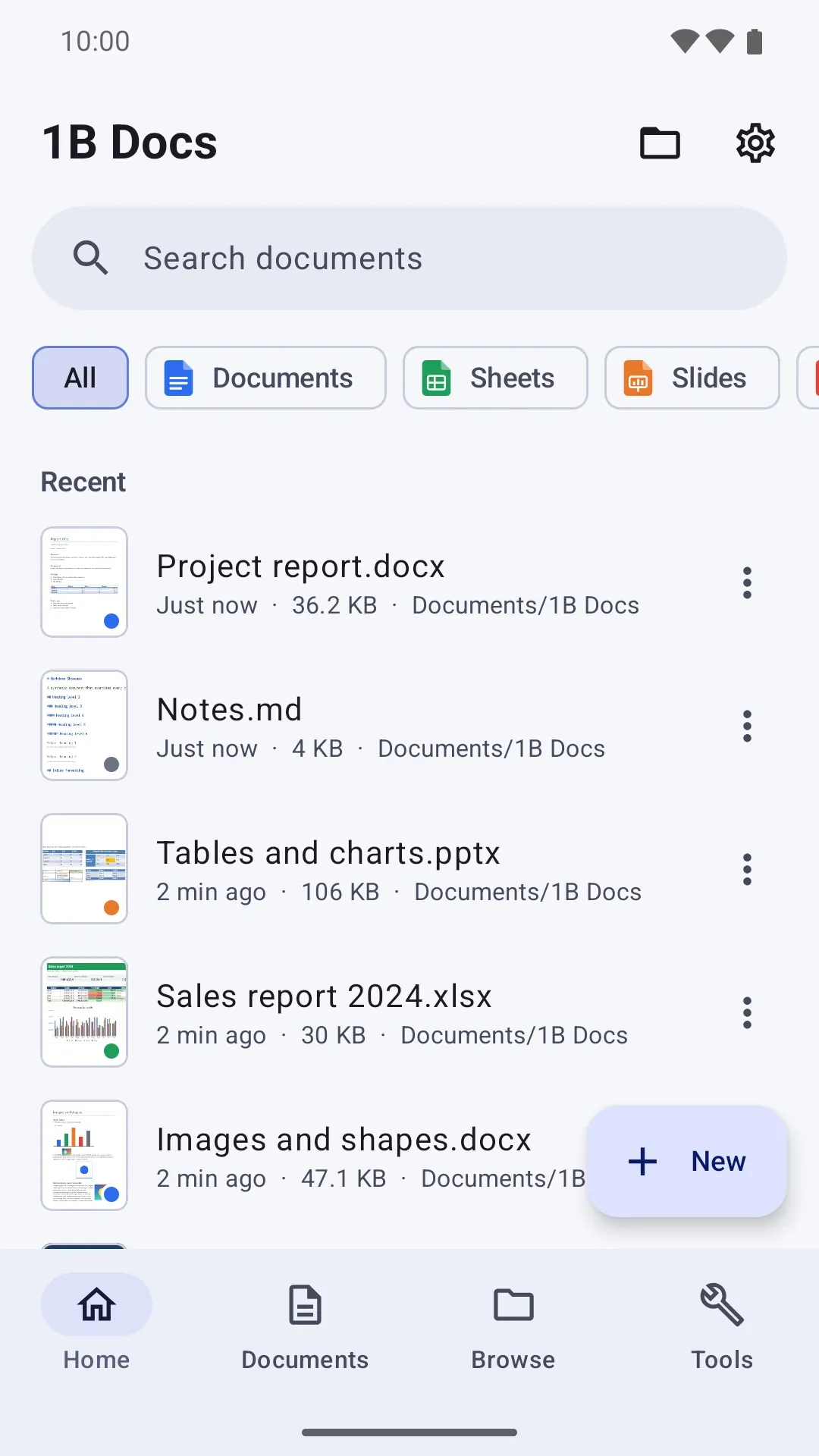
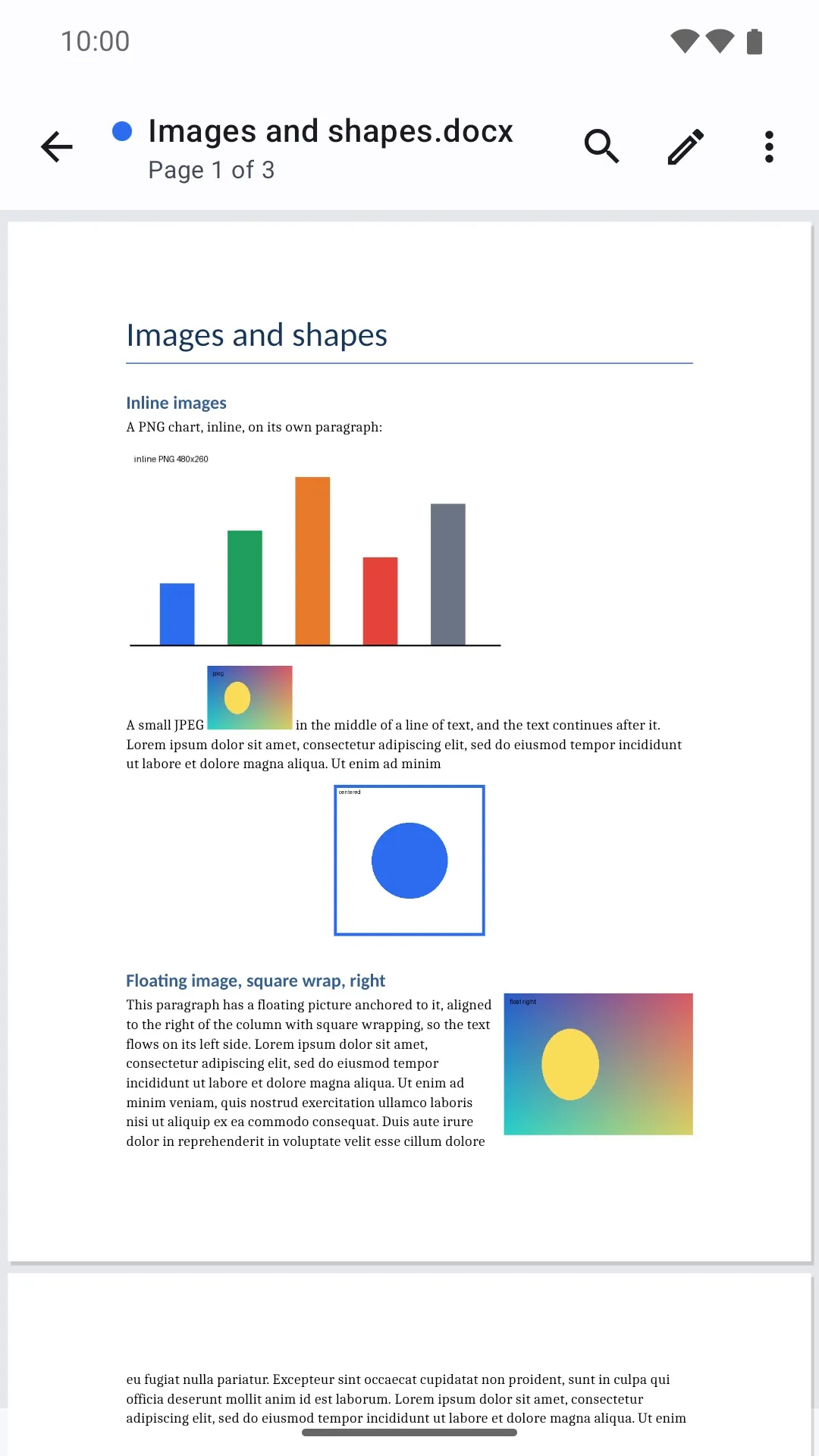
Take your office with you
1B Docs is in closed testing on Google Play. Ask for an invite, then install it from the test page.
The test page works once your Google account is on our tester list.
Public release on Google Play: coming soon
Privacy at a glance
- No Internet permission: your documents never leave your device.
- Recents, thumbnails and your saved signature are stored only on your device.
- “All files access” is optional — without it, everything works through the system file picker.
Details
- Early access
- Closed testing on Google Play
- Requires
- Android 8.0 or later
- Languages
- 21 languages
- Price
- Free download
- Package
com.onebytesystems.docs


